

Content
———
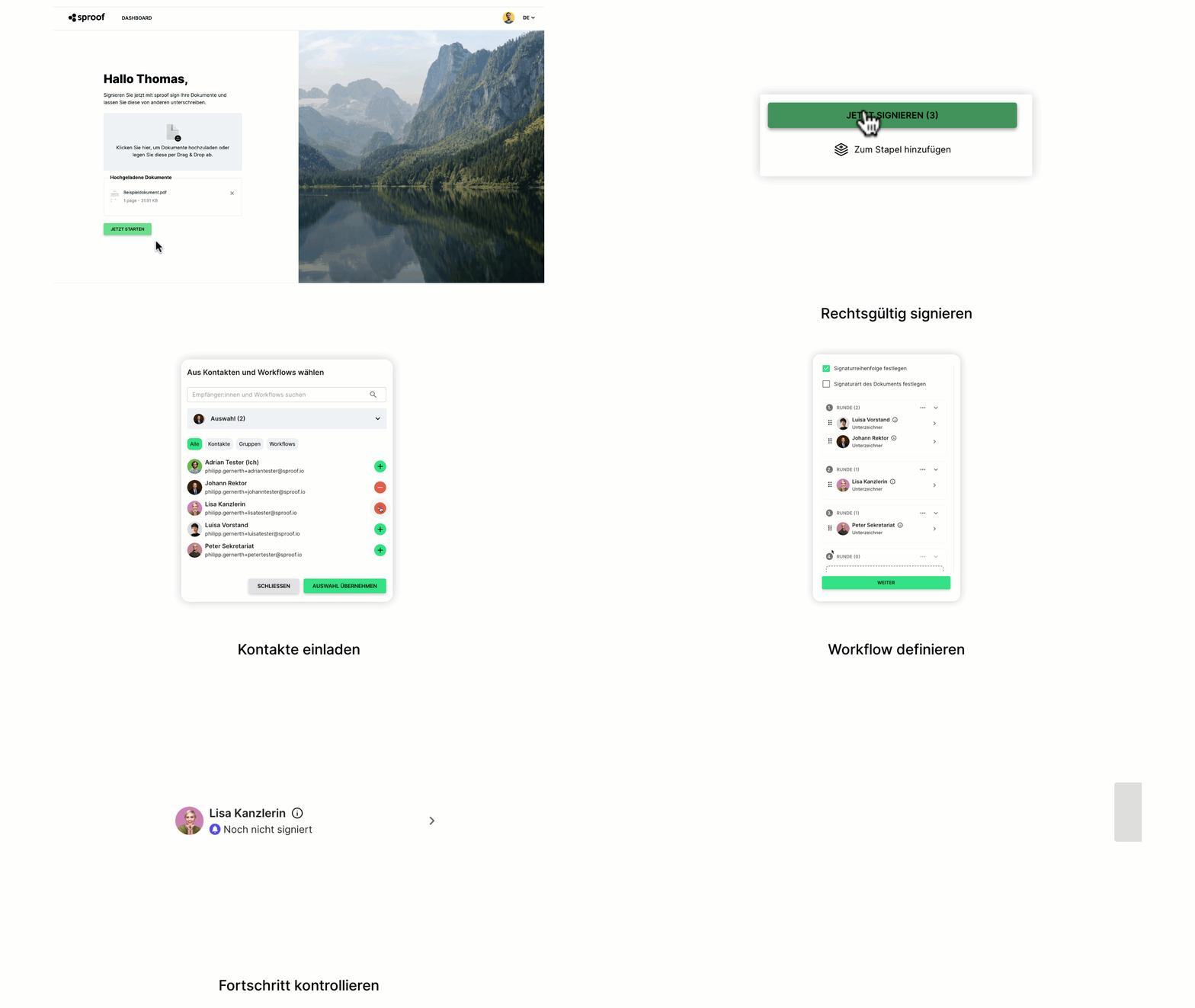
12:00 a.m. – Welcome & Introduction
00:16 – Profile Settings (Title, Job Title, and Signature Card Display)
01:14 – Uploading Documents (File Conversion & Document Envelopes)
01:51 – Signing a Document Yourself (AES/QES Signature Standards & Placement)
03:14 – Sending Documents for Signature (Adding Recipients, Roles, and Email Settings)
5:44 a.m. – Tracking Status & Verifying Digital Signatures
6:29 a.m. – Organizing & Filtering Documents (Labels & Custom Filters)
7:31 a.m. – Wrap-Up & sproof Academy
💡 For more detailed guides, step-by-step tutorials, and helpful tips, feel free to visit the sproof Academy!: https://academy.sproof.com/en/start/getting-started